Per-project settings
Set the display name and frame rate that apply only to the open project.
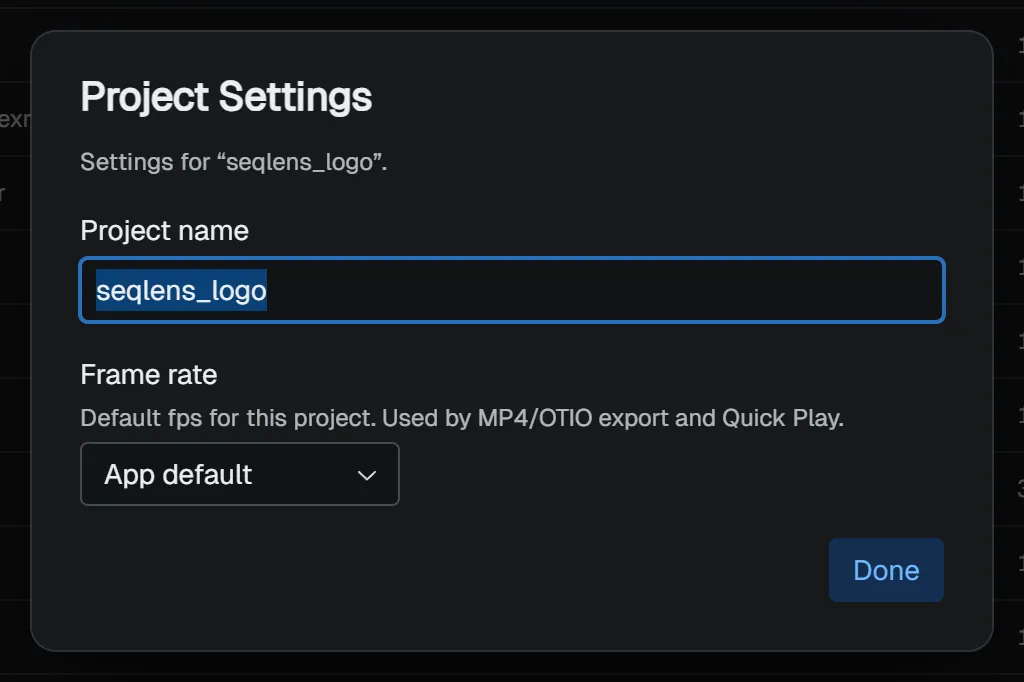
In addition to app-wide Preferences, SeqLens has settings that are saved only for the open project. Open them from File → Project Settings…, or from the command palette.
Project name
Project name is the display name shown in lists (recent projects) and the title bar. If it is left blank, the folder name is used instead (shown as the placeholder in the input field). The folder itself is not renamed.
Frame rate
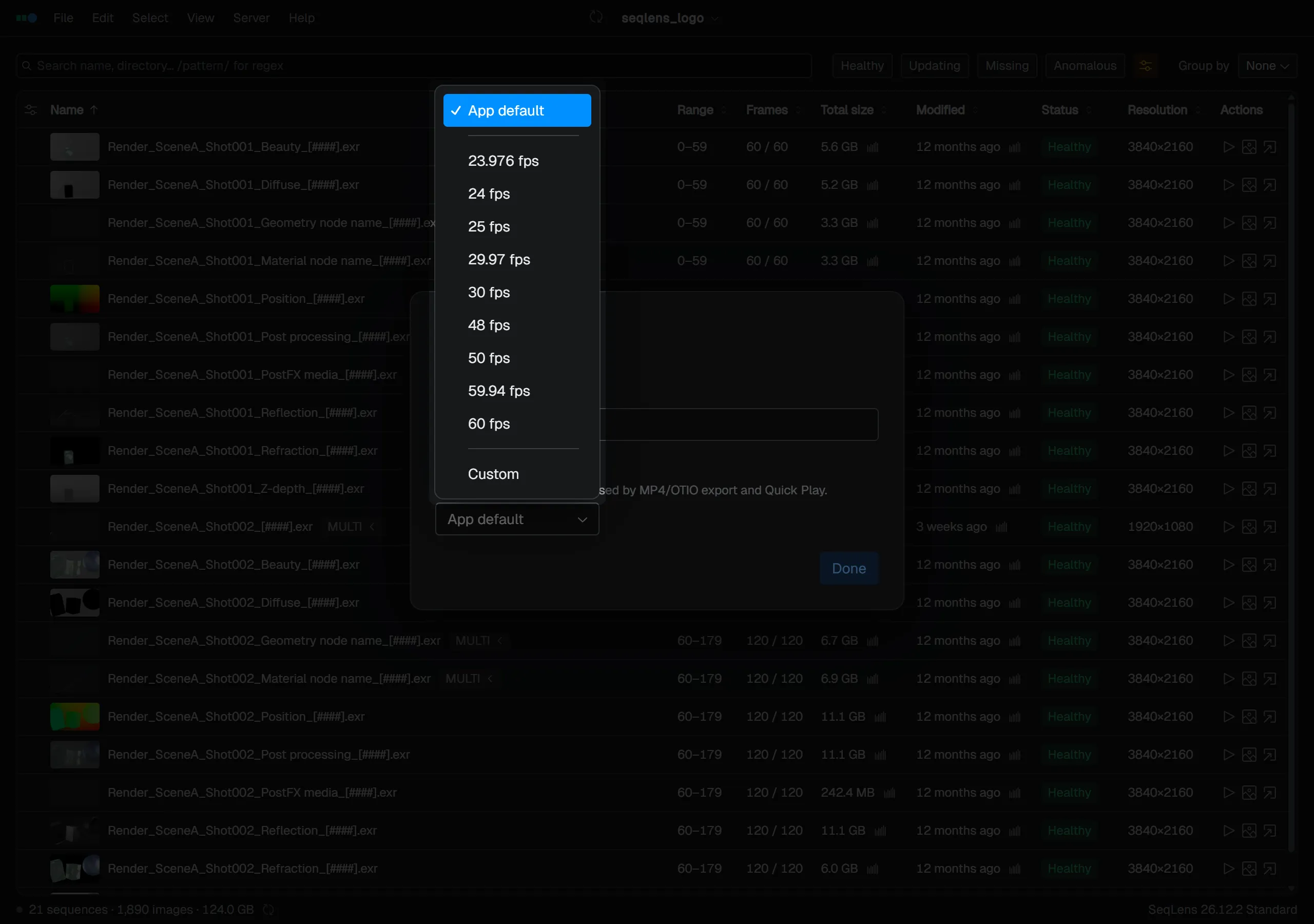
Frame rate is the default fps used for this project. It is used for MP4 / OpenTimelineIO export and Quick Play. In addition to App default, you can choose common presets or a Custom value.
Other per-project settings
NOTE
Some settings for columns, filters, sort order, anomaly detection, and export dialogs are also saved per project. Configure those in their own screens, not in this dialog.