Command palette
Search menu items, recent projects, and sequences to open them quickly.
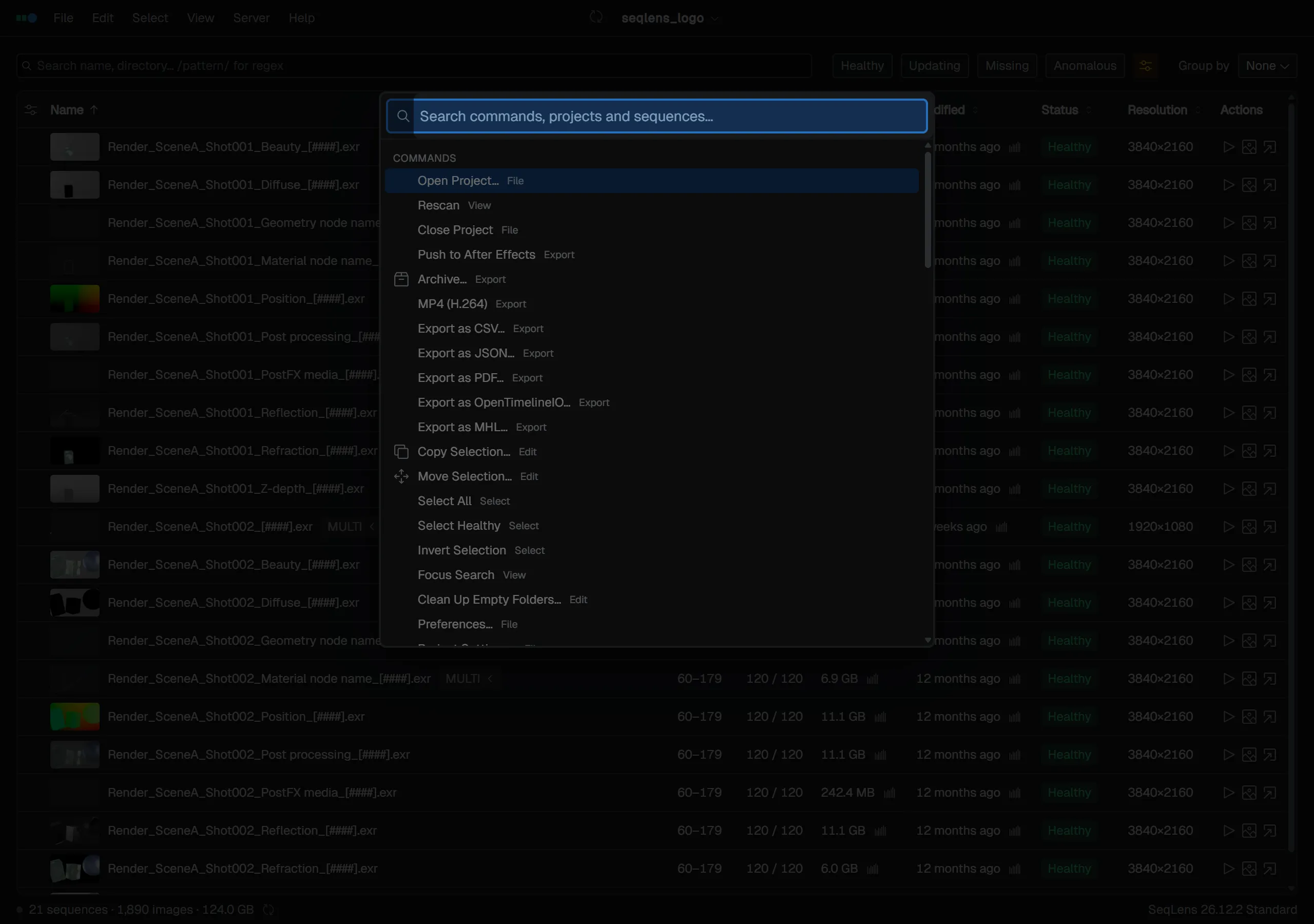
The command palette lets you run commands without navigating menus, and search recent projects or sequences. Open it with Cmd/Ctrl+K, Cmd/Ctrl+Space, or Shift+C.
Searchable targets
Candidates appear in three sections depending on what you type.
| Section | Contents |
|---|---|
| Commands | Menu commands (export, copy, selection, settings, and more) |
| Recent Projects | Recently opened projects other than the one currently open |
| Sequences | Sequences whose names match (up to 20 results) |
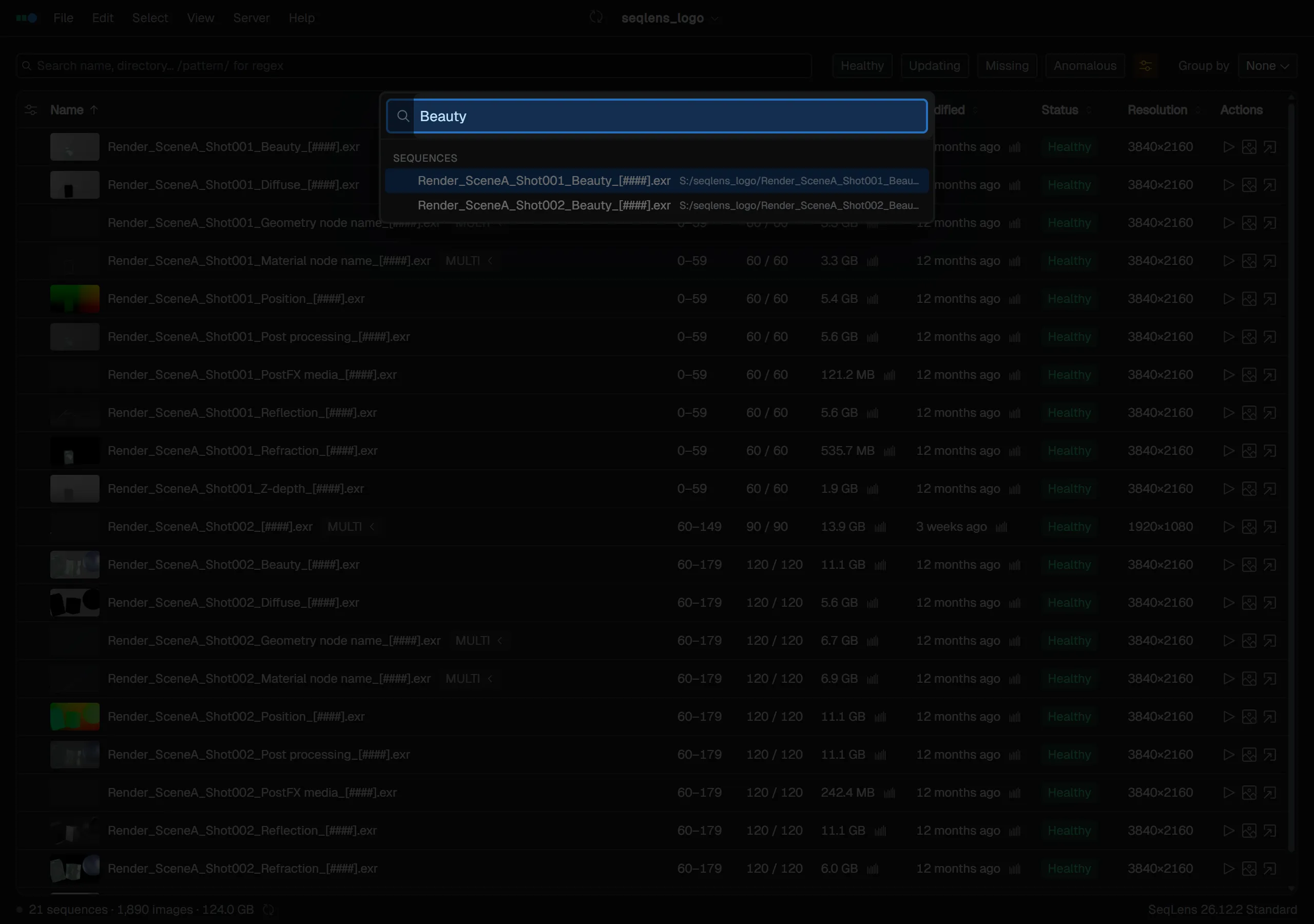
Commands that cannot be used in the current state are shown dimmed. Recently used items are more likely to appear near the top.
Commands includes menu items as well as parameterized commands such as Sort by, Group by, Filter by Status / Filter by Extension, Select by Extension, and Select by Metadata.
Controls
Move through candidates with ↑↓, run with Enter, and close with Esc. You can also run a candidate by clicking it directly.